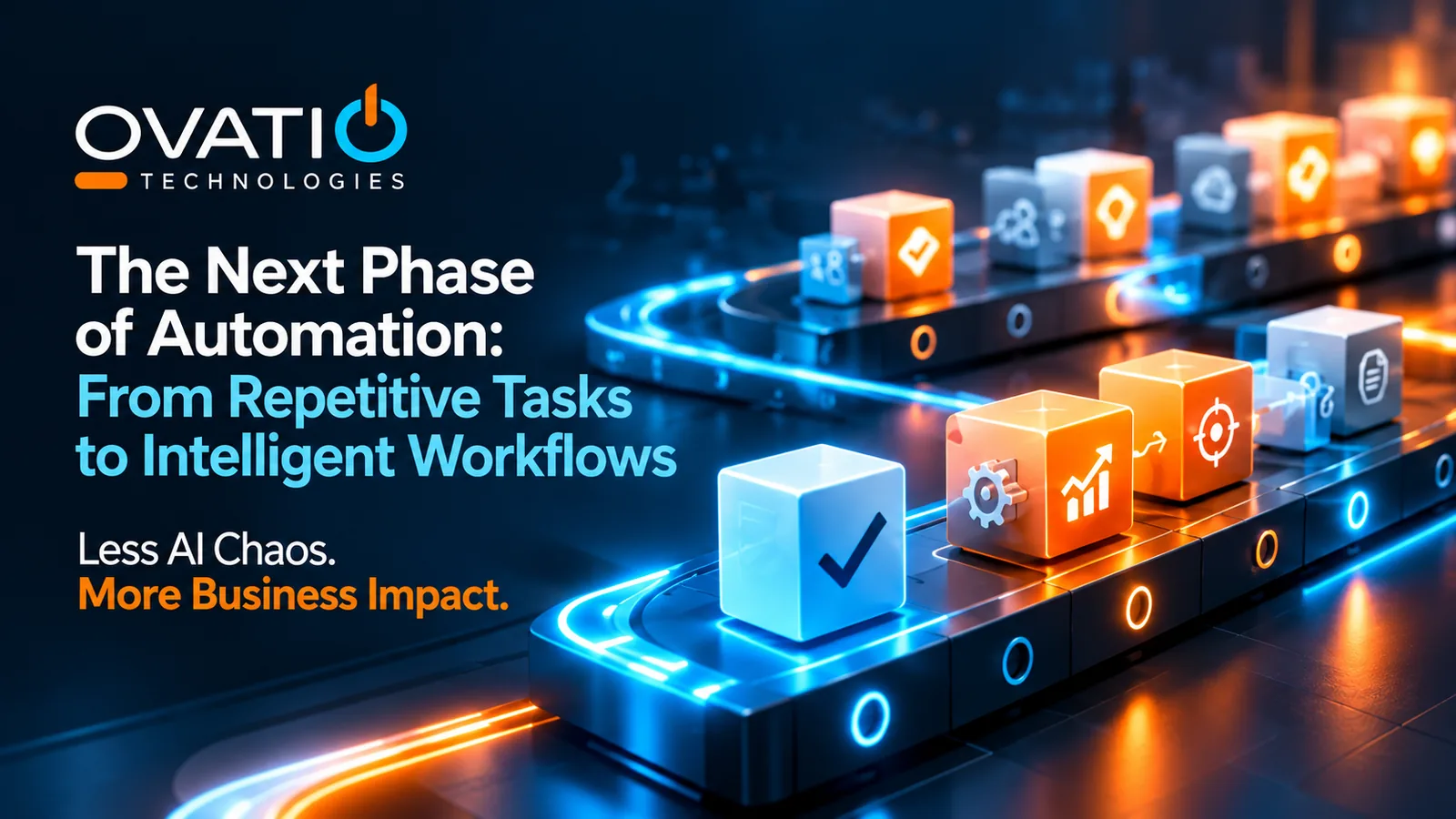
For years, enterprise automation has been built around a familiar promise: take a repetitive task, define the steps, and let technology handle the work. That approach still has value. But it also has limits, especially when a process depends on information scattered across systems or requires someone to interpret what happens next.
Now AI is expanding the conversation from automating individual tasks to supporting more intelligent workflows. The opportunity is significant, but it comes with a practical question: which workflows actually benefit from this added capability?
For enterprise leaders, the answer starts with understanding the difference between making a task faster and making an entire process work better.
Traditional Automation Solves a Defined Problem
Conventional automation excels when the rules are clear. A system can route a completed form, update a record, or trigger a notification when predefined conditions are met. These workflows can be reliable and cost-effective, particularly when the underlying process is stable.
Problems arise when a workflow is less predictable. A request may arrive in different formats. The information needed to resolve it may sit in several applications. An employee might need to review an exception, compare documents, or decide which team should take the next step.
In those situations, organizations often automate the easy portion and leave people to bridge the gaps. The result may be faster individual tasks without a meaningful reduction in end-to-end friction.
What Makes a Workflow Intelligent?
Intelligent workflow automation introduces capabilities that can help interpret unstructured inputs, retrieve relevant information, and recommend or coordinate next steps. Rather than relying exclusively on fixed instructions, an AI-enabled system may use context to support a process that previously required more manual interpretation.
Consider an internal service request. Traditional automation might assign it based on a dropdown selection. An AI-assisted workflow could help summarize the request, identify related knowledge, suggest the appropriate route, and prepare a response for review. Whether it should act automatically depends on the sensitivity of the information and the consequences of an error.
This is not a promise that AI can independently manage every process. Intelligent workflows still require well-defined boundaries, dependable systems, and thoughtful design. In some cases, conventional automation remains the better choice.
The Real Opportunity Is Between the Steps
One of the biggest sources of enterprise inefficiency is the work that happens between applications and teams. Employees search for background information, reconcile inconsistent records, follow up on missing details, and manually transfer context from one stage of a process to another.
Adding an AI tool to one isolated step may not solve those problems. A more valuable approach is to examine the entire workflow: where does information originate, where does it need to go, and what decisions interrupt progress?
In a professional services organization, for example, a client request may require staff to consult project records, internal guidance, and prior correspondence before deciding how to respond. An intelligent workflow could help assemble relevant context and prepare a recommended next action. This is an illustrative scenario, not a claim about a particular deployment.
The potential value lies in reducing the coordination burden while preserving the checks needed for accuracy and client trust.
Four Questions to Ask Before Automating More
The right starting point is not a list of AI features. It is a clear view of how work happens today.
Start With a Process, Not a Product
Identify a workflow with recurring delays, handoffs, or manual investigation. Document where time is spent and which steps create the most friction. If the process itself is poorly designed, redesign may be more useful than adding AI.
Check the Information Dependencies
AI-assisted workflows are only as useful as the information and systems available to them. Determine which sources are needed, whether access is appropriate, and how the workflow will handle conflicting or incomplete information.
Define the Decisions and Boundaries
Separate low-risk support tasks from actions with financial, security, regulatory, or customer consequences. Decide which steps can be automated, which require review, and how exceptions should be escalated.
Measure the End-to-End Result
Avoid judging success solely by the number of actions automated. Track outcomes such as turnaround time, manual handoffs, rework, exception rates, and employee effort. A workflow that saves a few seconds at one stage but creates more review work elsewhere may not deliver meaningful value.
From Disconnected Tasks to Coordinated Work
This is where connected enterprise knowledge and workflow coordination become important. When a process can draw on relevant information across approved systems, teams may be able to move from repeated searching and manual follow-up toward better-supported action.
Ovatio approaches this opportunity through capabilities such as OvatioIQ Knowledge, which supports access to connected enterprise information, and OvatioIQ Agent, which is designed for applicable intelligent workflows. The appropriate implementation depends on the business process, system environment, and governance requirements. These capabilities should be evaluated against a defined use case rather than treated as a reason to automate everything.
The most successful starting point may be modest: a workflow that consistently removes a frustrating handoff, helps staff resolve an exception faster, or reduces the time required to assemble reliable information. Demonstrable improvements create a stronger foundation for broader adoption than ambitious automation targets alone.
Less Busywork. More Business Impact.
The next phase of automation is not simply about replacing repetitive clicks with more sophisticated technology. It is about making the work between those clicks more connected, informed, and manageable.
For enterprise leaders, the priority should be finding workflows where better context and intelligent coordination can create measurable improvement, without introducing unnecessary complexity or weakening accountability.
The question is no longer just, ‘What tasks can we automate?’ It is, ‘What work could function better if information and action were connected?’
That is how organizations can move beyond automation activity and toward real business impact.
Explore how Ovatio helps organizations identify operational friction and evaluate where connected information and intelligent workflows may create meaningful business value.
Cut Through the Noise
Explore the Less AI Chaos campaign.
Get simulator access